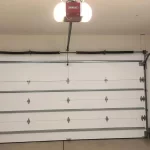
Programming a garage door opener might sound technical, but in my years of working as a garage home repair expert, I’ve learned that most homeowners can do it in just a few minutes once they understand the right method. Whether you’ve lost a remote, replaced a battery, or installed a new system, knowing how to program garage door opener correctly saves time, money, and unnecessary frustration.
I still remember a customer who was convinced their entire opener system was broken—when in reality, it just needed a simple re-sync. That’s how common this issue is, and that’s exactly why this guide exists: to make the process simple, practical, and stress-free.
Content
How to Program Garage Door Opener: Understanding How Garage Door Programming Works
Before jumping into the steps, it’s important to understand what’s actually happening when you learn how to program garage door opener.Most modern systems use a rolling code garage door system, which means the security code changes every time you use the remote. This prevents unauthorized access but also means devices must be properly synced.
Key components involved include:
Learn button garage door opener (used to connect devices)
Remote control transmitter
Garage door receiver setup inside the motor unit
When you press the learn button, the opener enters pairing mode, allowing a remote or keypad to connect.
Common related tasks include:
garage door keypad programming
sync garage door remote
reprogram garage door remote after reset or battery change
Step-by-Step Guide: How to Program Garage Door Opener
This is the most important section. Follow each step carefully to ensure proper setup.
Step 1: Locate the Learn Button
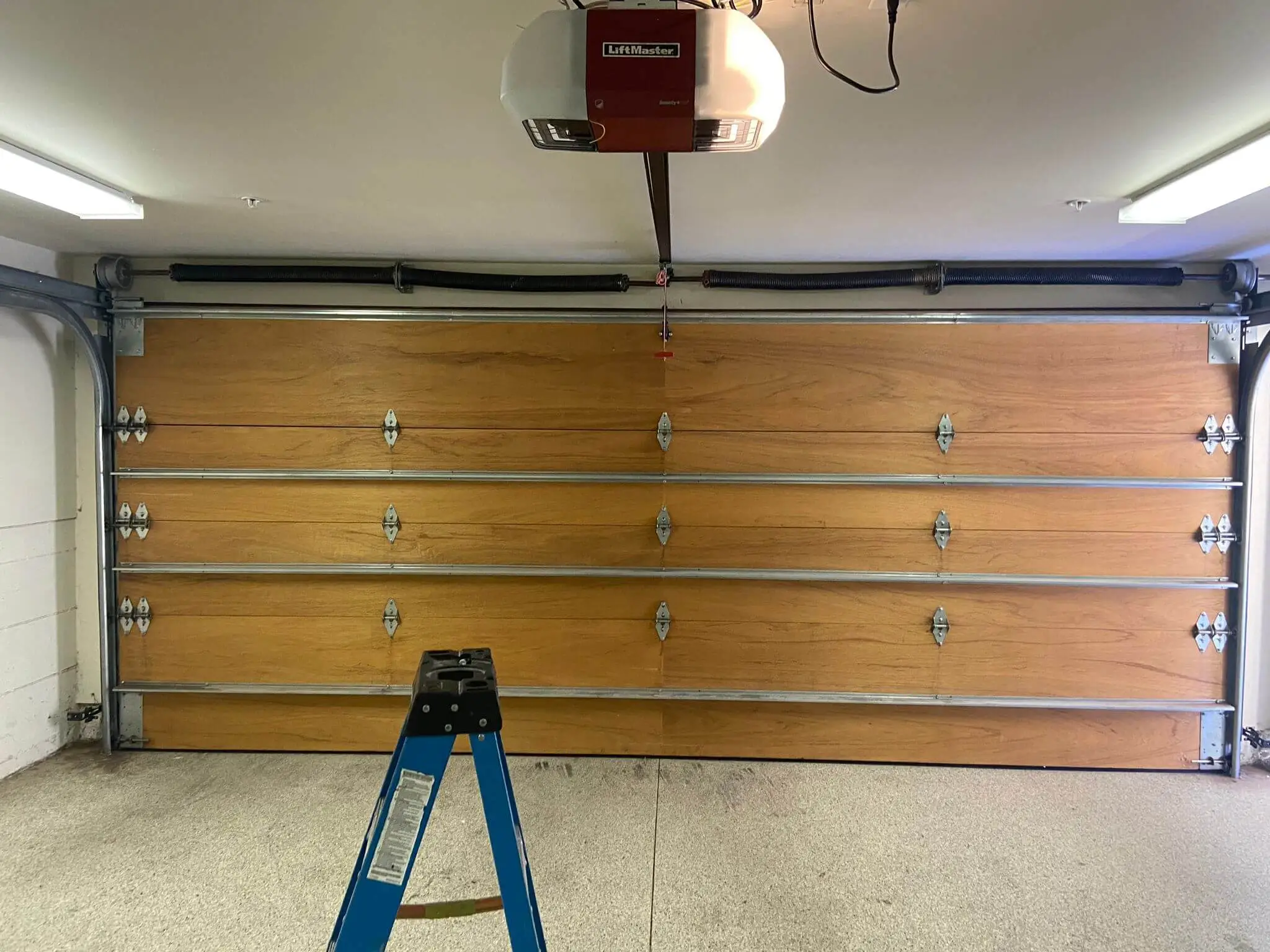
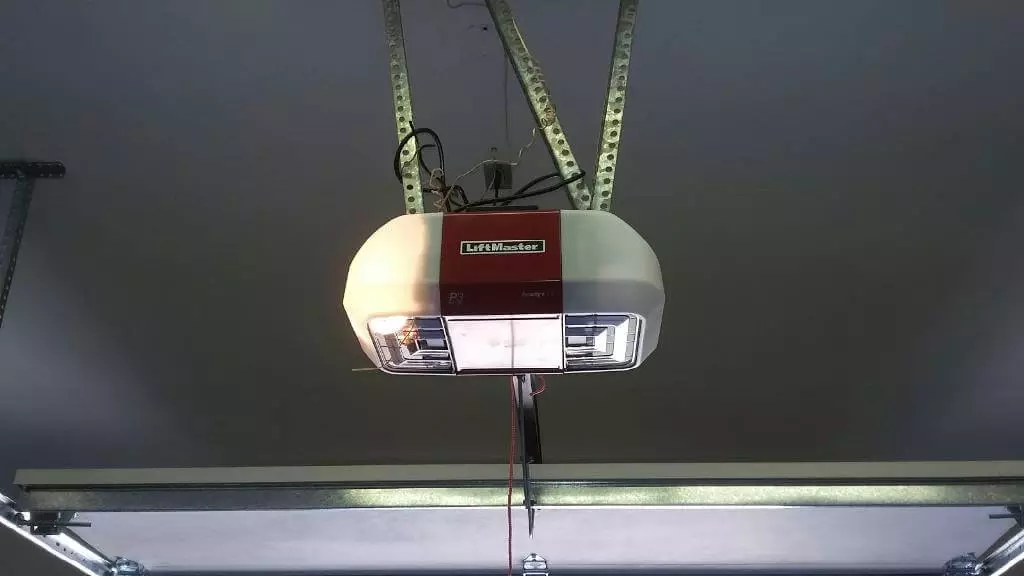
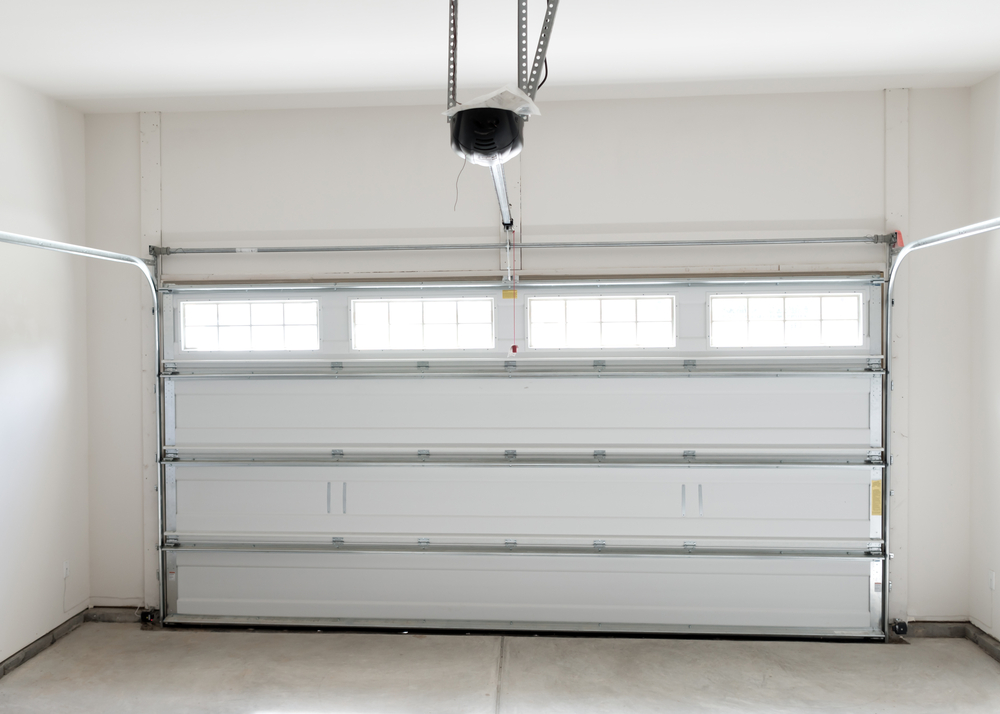
Open your garage door motor unit cover. Look for a small colored button (usually red, yellow, green, or purple). This is the learn button garage door opener.
Step 2: Activate Programming Mode
Press the learn button once. You will usually see a light blink, indicating the system is ready to pair.
Step 3: Press the Remote Button
Within 30 seconds, press the button on your remote control that you want to program. Hold it for a few seconds.
Step 4: Wait for Confirmation
The garage door light will blink or you may hear a click sound. This confirms successful pairing.
Step 5: Test the Remote
Step away and press the remote again. The door should open or close smoothly.This is the simplest version of garage door remote programming, and it works for most standard systems.
How to Program Garage Door Opener Remote Step by Step (Advanced Cases)
Sometimes homeowners need a more detailed approach, especially when dealing with multiple remotes or older systems.If you are wondering how to program garage door opener remote step by step, follow this refined method:
Clear previous memory by holding the learn button for 10–15 seconds
Re-enter programming mode
Sync each remote one by one
Test each remote individually
This is especially useful when:
You’ve lost a remote
You moved into a new house
You need to reset system access
How to Sync Garage Door Opener with Remote Control
If your remote is not responding, you may need to sync the garage door opener with remote control instead of fully reprogramming it.
Try this:
Replace remote battery first
Press learn button once
Press remote button twice slowly
This method often fixes communication lag between the transmitter and receiver.
Garage Door Keypad Programming (If You Use a Code Entry System)
Many homeowners also use keypads outside their garage. The process for garage door keypad programming is slightly different:
Enter programming mode using the learn button
Input your desired PIN code
Press “Enter” or “OK”
Wait for confirmation light flash
Keypads are especially useful for families and eliminate the need to carry remotes.
Common Problems and Garage Door Opener Troubleshooting
Even when you follow instructions correctly, issues can still happen. Here are common problems I’ve seen during garage door opener troubleshooting:
1. Remote not responding
Replace battery
Re-sync system
2. Door only works sometimes
Signal interference
Weak remote battery
3. Programming fails repeatedly
Memory full (too many devices paired)
System reset required
4. Intermittent signal issues
Metal objects blocking signal
Distance too far from receiver
Most of these issues are minor and can be fixed without professional help.
How to Program Universal Garage Door Opener Remote
A universal remote is helpful when you have multiple garage systems.To how to program universal garage door opener remote:
Identify your opener brand frequency
Hold programming button on universal remote
Press learn button on motor unit
Sync and test
Universal remotes are ideal for households with more than one garage door system.
Real-Life Case Study: A Simple Fix That Saved a Service Call
A homeowner in my service area once called me urgently, saying their garage door was completely dead after a power outage. They were sure the motor had failed.When I arrived, I noticed the power was fine, but the remote wasn’t communicating with the system.Here’s what actually happened:
The system memory had been reset during the outage
The remote needed reprogramming
Using the learn button garage door opener, I reprogrammed both remotes in under 5 minutes.The homeowner was shocked. What they expected to be a major repair turned out to be a simple reset issue.This is a perfect example of why learning how to program garage door opener is so valuable—it can save unnecessary service costs and time.
Safety Tips You Should Never Ignore
Even though programming is simple, safety always comes first:
Disconnect power if inspecting internal components
Avoid pressing multiple buttons randomly
Keep children away during setup
Always test door movement after programming
Refer to manual for specific system instructions
Safety ensures your garage system remains reliable and long-lasting.
How to Program Garage Door Opener: Final Practical Advice from Experience
After years of handling garage systems, I can confidently say that most programming issues are not mechanical failures—they are simple synchronization problems. In contrast, mechanical repairs like change out garage door springs require professional attention due to safety risks and tension hazards.
Once you understand the logic behind garage door remote programming, the process becomes straightforward. Whether you are syncing a new remote, fixing a keypad, or troubleshooting a signal issue, the key is patience and following the steps carefully. Learning how to program garage door opener not only saves you money but also gives you full control over your home security system.
FAQs
How do I program my garage door opener remote?
Follow the learn button method to sync your remote with the opener in minutes.
Can you program a garage door opener yourself?
Yes, most garage door openers can be programmed at home using simple steps.
How to program myQ garage door opener remote?
Use the myQ app or learn button on the opener to connect the remote.
How do I program my car to open my garage door?
Use your car’s HomeLink system and sync it with the garage opener.
How to program garage door opener with keypad?
Enter learn mode, set your PIN, and confirm using the keypad enter button.